
Everyone's Building AI. Few Are Running It in Production.
There's a massive gap between "I made a ChatGPT wrapper" and "I run an AI product serving real users."
I've built three AI products in the last 18 months:
- Calling Agent — AI voice campaign platform (1000+ leads/day)
- AI Agent Builder — Drag-and-drop platform to deploy custom AI agents
- AI Integration Layer — LLM-powered customer interaction system
Here's everything I've learned that nobody writes about.
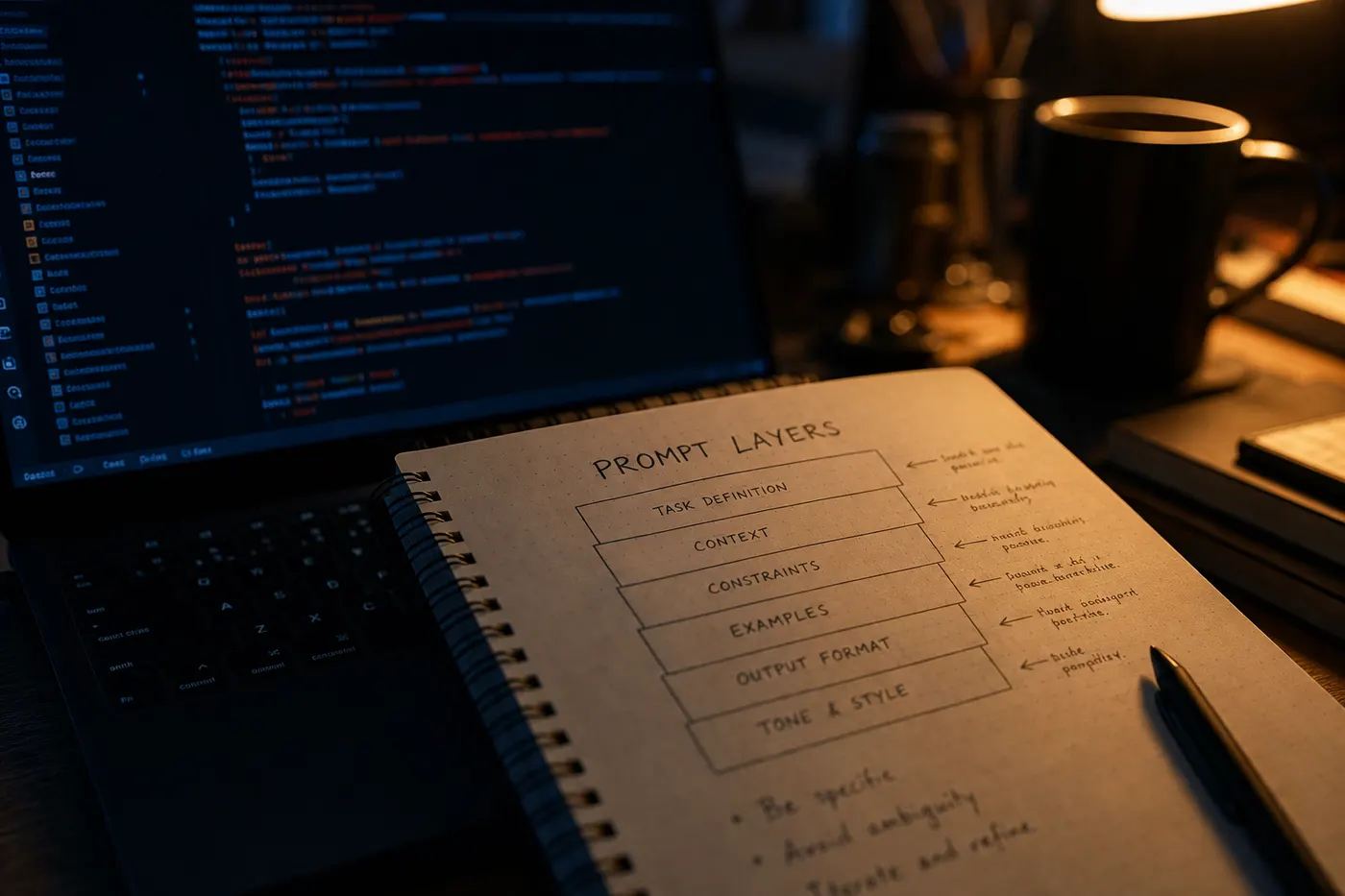
Lesson 1: Prompt Engineering Is Software Engineering
Your prompt is not a note you leave for the AI. It's code. Treat it that way.
What this means practically:
- Version control your prompts — I store prompts in the database with version IDs
- Test prompts like unit tests — Run the same inputs against new prompt versions before deploying
- Separate concerns — System prompt (persona/rules), context prompt (dynamic data), user message
const buildPrompt = (agent, lead, history) => ({
  system: `${agent.persona}\n\nRules:\n${agent.rules.join("\n")}`,
  context: `Lead Info: ${JSON.stringify(lead)}\nObjective: ${agent.objective}`,
  history: compressHistory(history, MAX_TOKENS),
});
Lesson 2: Latency Will Kill Your UX
GPT-4 Turbo averages 2–4 seconds for a full completion. In a voice call, 4 seconds of silence feels like a dropped call.
What I did:
- Streaming responses — Start speaking as tokens arrive, don't wait for the full completion
- Parallel API calls — Run sentiment analysis and lead scoring in parallel, not sequentially
- Cache common responses — Greetings, objection handlers, closing lines — cache them in Redis
// Streaming reduces perceived latency dramatically
const stream = await openai.chat.completions.create({
  model: "gpt-4-turbo",
  messages: prompt,
  stream: true,
});

for await (const chunk of stream) {
  const token = chunk.choices[0]?.delta?.content;
  if (token) sendToTwilioStream(token); // Speak tokens as they arrive
}
Lesson 3: Cost Will Surprise You
GPT-4 Turbo at $0.01/1K input tokens sounds cheap. At 1000 calls/day with 500 tokens per turn and 5 turns per call — that's $25/day just in LLM costs, not counting Twilio, Redis, or hosting.
Optimizations I implemented:
- GPT-3.5 for simple turns (greetings, confirmations), GPT-4 only for complex reasoning
- Token budgeting — Hard limit on context window per call
- Batching — Group non-urgent API calls
Cost dropped 60% without a noticeable quality difference.
Lesson 4: Hallucinations Are a Product Problem, Not Just an AI Problem
When an AI agent gives wrong information to a real customer, that's a business risk.
My mitigation strategy:
- Constrain the output — Force JSON responses for structured data
- Verification layer — Run a second prompt to check if the first response contradicts known facts
- Confidence scoring — If the model's logprobs indicate uncertainty, fall back to a safe default
Lesson 5: Observability Is Non-Negotiable
You cannot debug an AI product without logs. I built a logging layer that captured:
- Every prompt sent (with version ID)
- Every completion received
- Latency per API call
- Token usage per session
- Final outcome (qualified / not qualified / transferred)
This data revealed that 40% of failed calls happened because the agent didn't handle "call me later" variants correctly — a fixable prompt issue invisible without logging.
The Stack That Works
LLM:         OpenAI GPT-4 Turbo (reasoning) + GPT-3.5 (simple turns)
Voice:       Twilio Programmable Voice + Deepgram STT
Queue:       Redis Bull (rate limiting + retries)
Real-time:   Socket.io (WebSocket events to dashboard)
Storage:     MongoDB (conversations) + S3 (recordings)
Frontend:    Next.js + Tailwind CSS
Monitoring:  Custom dashboard + Sentry
See all my AI projects: buildbysandeep.dev/projects