
The Question Nobody Asks Until It's Too Late
"How do we add a second customer?"
Building for one client is straightforward. Adding a second means every assumption you made — about databases, queues, rate limits, billing — gets stress-tested simultaneously.
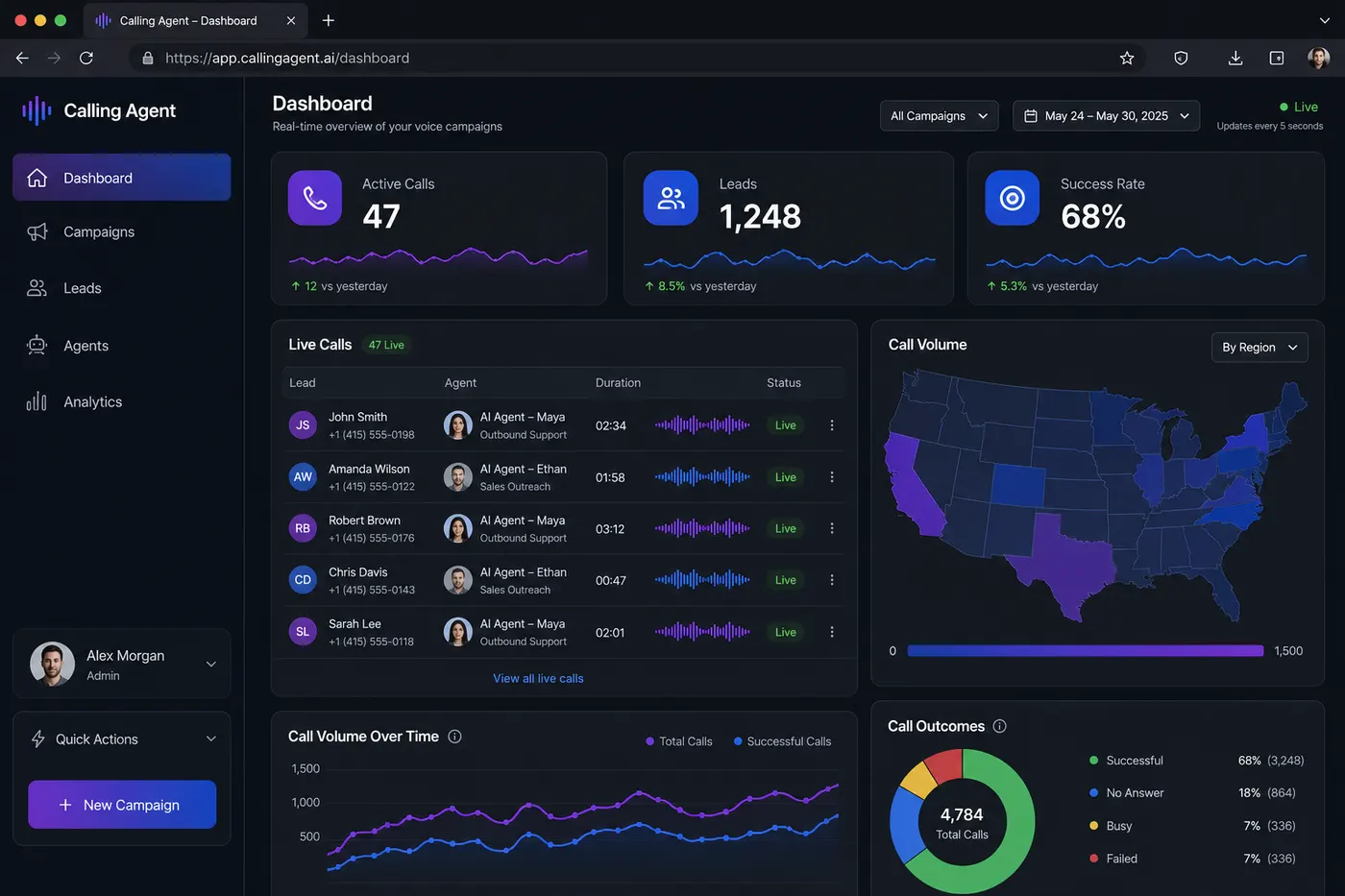
When I built the AI campaign SaaS at my company, I had to design for multi-tenancy from day one. Here's exactly how I did it.
Option 1: Database Per Tenant
One MongoDB database per client. Clean separation, easy to backup individually, no risk of data leaks.
Problem: At 10 clients, you're managing 10 connection pools. At 50 clients, your Atlas bill triples. And migrations become a nightmare.
Option 2: Shared DB with Tenant Column (What I Chose)
Single database, every collection has a tenantId field. Every query is wrapped with a tenant filter.
// Utility: tenantQuery — always scopes queries to the correct tenant
const tenantQuery = (tenantId, additionalFilter = {}) => ({
  tenantId,
  ...additionalFilter,
});

// Usage in API routes
const campaigns = await Campaign.find(
  tenantQuery(req.user.tenantId, { status: "active" })
);
I created a middleware that extracts tenantId from the JWT and attaches it to every request:
export function tenantMiddleware(req, res, next) {
  const token = verifyJWT(req.headers.authorization);
  req.tenantId = token.tenantId;
  next();
}
Advantage: One DB, clean queries, easy horizontal scaling.
Risk: Forgetting the tenant filter. Mitigated with ESLint rules that flag any Collection.find() without tenantId.
Redis Bull Queues: Namespacing Per Tenant
Each tenant needs its own job queue — so a burst of 1000 leads from Tenant A doesn't starve Tenant B's queue.
function getCampaignQueue(tenantId) {
  // Creates/reuses a queue scoped to this tenant
  const queueKey = `campaign:${tenantId}`;
  if (!queueCache[queueKey]) {
    queueCache[queueKey] = new Bull(queueKey, { redis: redisConfig });
    queueCache[queueKey].process(10, processCampaignJob);
  }
  return queueCache[queueKey];
}

// When a campaign starts:
const queue = getCampaignQueue(tenantId);
await queue.add({ leadId, campaignId, tenantId });
Each tenant gets fair-share concurrency. Tenant A's 1000-lead burst doesn't affect Tenant B's 50-lead campaign.
Per-Tenant LLM Rate Limiting
OpenAI has global rate limits. If Tenant A blasts requests and hits the limit, Tenant B's calls fail too.
Solution: A rate limiter at the application layer, enforced per tenant before any OpenAI call:
const tenantLimiter = new Map(); // tenantId → token bucket

async function callLLM(tenantId, messages) {
  const limiter = getOrCreateLimiter(tenantId, {
    tokensPerMinute: 90000, // Per-tenant soft limit
  });

  await limiter.waitForCapacity(estimateTokens(messages));
  return openai.chat.completions.create({ messages });
}
This gave each tenant a fair share of the global token budget and prevented runaway tenants from causing cascading failures.
AI Prompt Isolation
The most subtle multi-tenant concern: prompt bleed. If Tenant A's system prompt somehow leaks into Tenant B's completions — that's a catastrophic data privacy issue.
My rules:
- System prompts are always fetched fresh per-request — never cached globally
- Conversation history is always fetched with
tenantIdfilter - No shared in-memory conversation state between tenants
async function buildAgentMessages(tenantId, campaignId, callHistory) {
  // Everything scoped to tenantId
  const campaign = await Campaign.findOne({ _id: campaignId, tenantId });
  const systemPrompt = campaign.agentConfig.systemPrompt;
  const history = await CallHistory.find({ callSid: callHistory.sid, tenantId });

  return [
    { role: "system", content: systemPrompt },
    ...history.map(formatHistoryEntry),
  ];
}
Multi-Tenancy Checklist
When adding any new feature, I run through this checklist:
- Does every DB query include
tenantId? - Does every Redis key include
tenantId? - Does every job queue include
tenantIdin job data? - Does every log line include
tenantIdfor debugging? - Does this feature respect per-tenant billing limits?
See the full AI platform architecture at buildbysandeep.dev