
The Problem with Polling
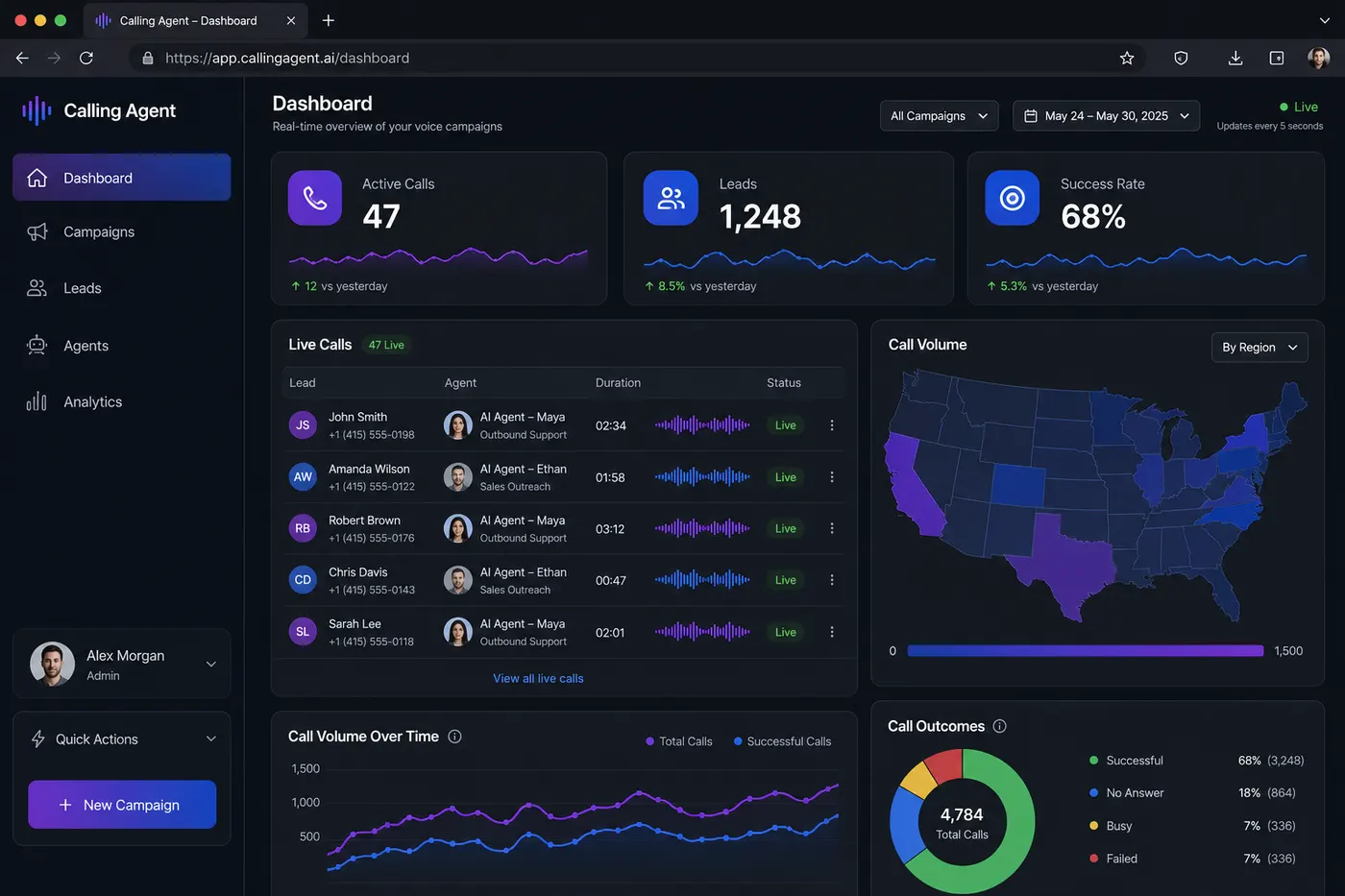
When I first built the campaign monitoring dashboard, I used polling:
// Every 5 seconds, fetch fresh data
setInterval(() => {
  fetch("/api/campaigns/status").then(setStats);
}, 5000);
It worked. It was also terrible:
- 5-second stale data in a system processing calls every second
- Constant HTTP overhead even when nothing changed
- No way to show individual call events as they happened
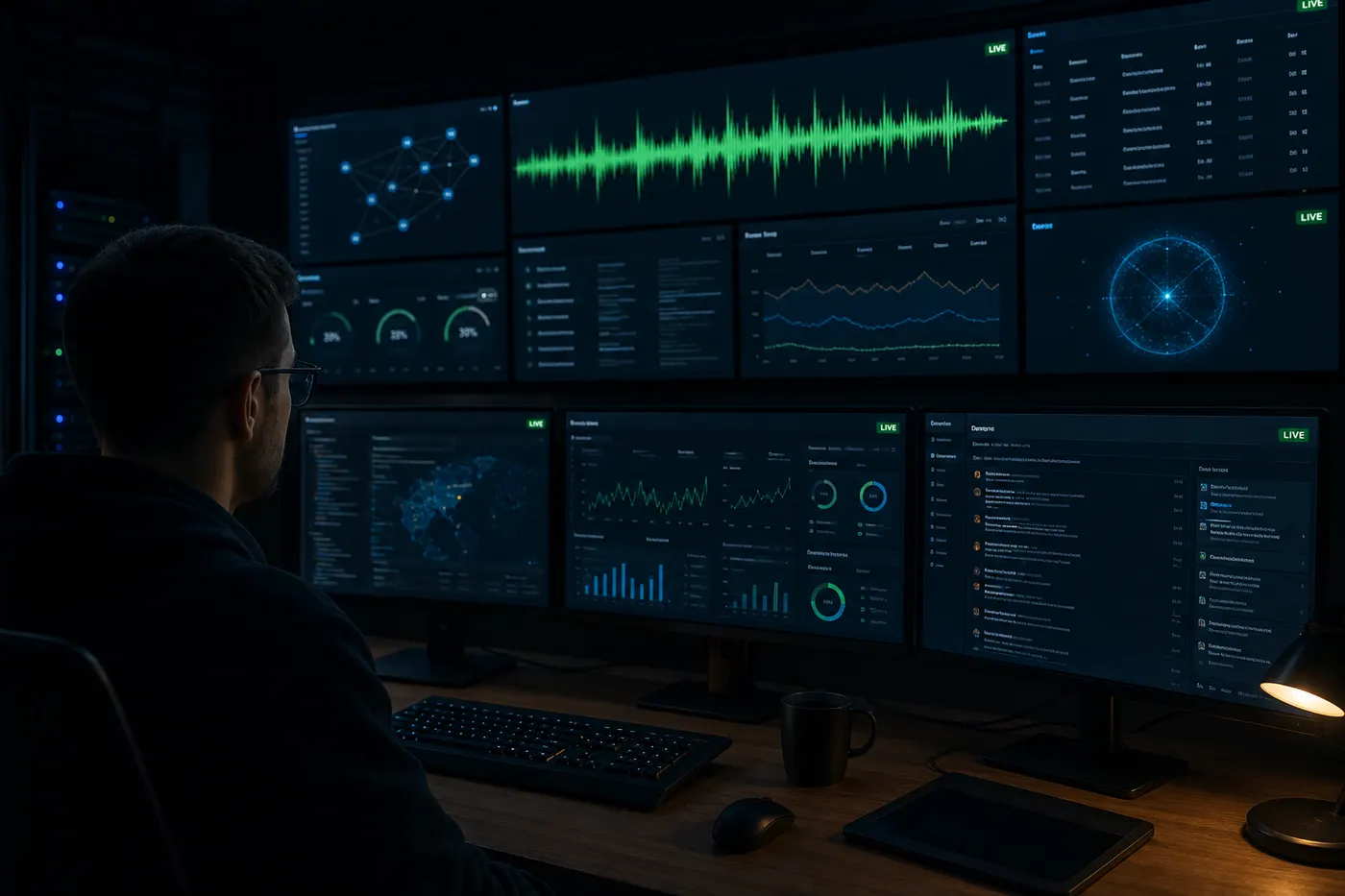
The solution was WebSocket streaming — push events from server to client the moment they occur.
Architecture: Event Stream Flow
AI Call Engine
     ↓ (emits events)
Socket.io Server
     ↓ (broadcasts to room)
React Dashboard (Client)
     ↓ (updates charts + tables live)
Every call event — call started, transcript updated, lead scored, call ended — is an event that flows through this pipeline.
Server: Socket.io Rooms Per Campaign
Each campaign gets its own Socket.io room. Only subscribers of that campaign receive its events.
// Server setup
import { Server } from "socket.io";

const io = new Server(httpServer, {
  cors: { origin: process.env.FRONTEND_URL },
  adapter: createRedisAdapter(redisClient), // Scale across multiple servers
});

io.on("connection", (socket) => {
  // Client joins their campaign room
  socket.on("join:campaign", (campaignId) => {
    socket.join(`campaign:${campaignId}`);
  });
});

// Emit from anywhere in the backend
export function emitCallUpdate(campaignId, data) {
  io.to(`campaign:${campaignId}`).emit("call:update", {
    leadId: data.leadId,
    status: data.status,
    duration: data.duration,
    transcript: data.lastTranscript,
    sentiment: data.sentiment,
    leadScore: data.score,
    timestamp: Date.now(),
  });
}
Client: React Dashboard Consuming Events
On the React side, the dashboard subscribes to events and updates state:
import { useEffect, useState } from "react";
import { io } from "socket.io-client";

export function useCampaignMonitor(campaignId) {
  const [calls, setCalls] = useState([]);
  const [stats, setStats] = useState({ total: 0, qualified: 0, failed: 0 });

  useEffect(() => {
    const socket = io(process.env.NEXT_PUBLIC_WS_URL);
    socket.emit("join:campaign", campaignId);

    socket.on("call:update", (data) => {
      setCalls((prev) => {
        const idx = prev.findIndex((c) => c.leadId === data.leadId);
        if (idx === -1) return [...prev, data];
        const updated = [...prev];
        updated[idx] = { ...updated[idx], ...data };
        return updated;
      });
    });

    socket.on("campaign:stats", setStats);

    return () => socket.disconnect();
  }, [campaignId]);

  return { calls, stats };
}
Preventing WebSocket Overload
With 1000 calls running simultaneously, 1000 events/second would flood the browser and destroy performance.
Solutions I implemented:
1. Debounce updates on the server Don't emit on every transcript word — emit every 2 seconds per call:
const callDebouncer = new Map();

function debouncedEmit(campaignId, callSid, data) {
  if (callDebouncer.has(callSid)) return;
  callDebouncer.set(callSid, true);
  setTimeout(() => callDebouncer.delete(callSid), 2000);
  emitCallUpdate(campaignId, data);
}
2. Batch aggregate stats separately
Individual call events update the table. A separate campaign:stats event (every 5 seconds) updates the summary metrics. Don't recompute stats on every individual call update.
3. Disable chart animations during live updates
With Recharts, always set isAnimationActive={false} on live dashboards:
<LineChart data={timeSeriesData}>
  <Line
    type="monotone"
    dataKey="calls"
    isAnimationActive={false} // Prevents jank with frequent updates
  />
</LineChart>
Scaling: Redis Adapter
Socket.io is single-process by default. When you deploy multiple Node.js instances, each instance has its own Socket.io server and they can't communicate.
The Redis adapter solves this:
import { createAdapter } from "@socket.io/redis-adapter";
import { createClient } from "redis";

const pubClient = createClient({ url: process.env.REDIS_URL });
const subClient = pubClient.duplicate();

await Promise.all([pubClient.connect(), subClient.connect()]);
io.adapter(createAdapter(pubClient, subClient));
Now any server instance can emit to any client, regardless of which instance they're connected to.
Results
- Sub-2-second latency from call event to dashboard update
- 1000+ simultaneous calls monitored with no client-side jank
- Zero polling — pure event-driven architecture
Full portfolio: buildbysandeep.dev